

模组介绍
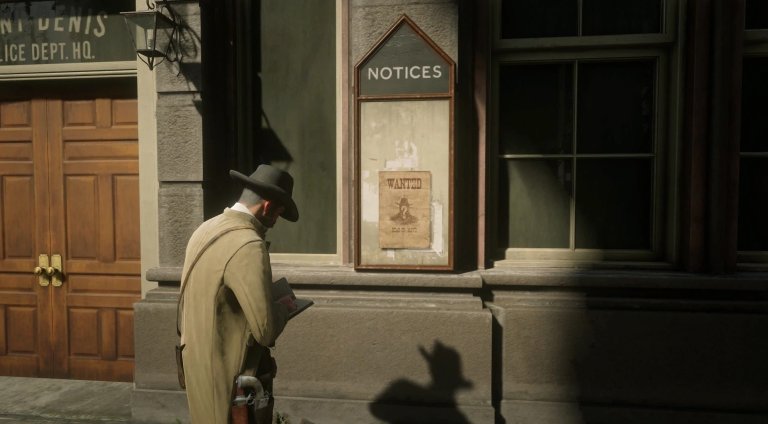
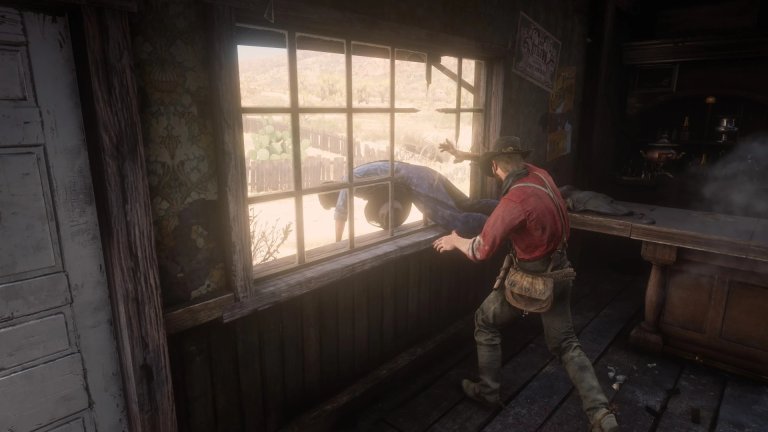
《禅(Zen)》是原作者MaybelleElizabethColter开发的沉浸场景向精致化模组,主打减少突兀的系统提示,聚焦坐靠、休憩等日常放松姿态场景,让西部世界的角色扮演体验更自然流畅,本站提供的是该模组1.0.2版本的独立简体中文汉化版。
汉化说明
- 汉化署名:平头哥翻译,原模组所有功能版权归属原作者MaybelleElizabethColter
- 汉化范围:共提取并审阅翻译25条模组内交互提示、菜单选项、任务指引及场景海报文案,保留原模组语言文件架构,通过独立专属文字桥接组件PTGZH_3223.dll补全硬编码显示文本,该桥接组件仅作用于本模组的游戏显示字符串,不会干扰其他模组运行
- 注意:当前汉化内容尚未完成游戏内实测,请安装后自行核对显示效果
前置依赖
安装前请确保已部署完成:脚本钩子(ScriptHookRDR2)、伦尼的模组加载器(Lenny’s Mod Loader / LML)
安装提示
推荐优先使用站内神尺模组管理器完成一键安装,避免路径错配问题,如需手动安装请严格遵循以下规则,不得将压缩包外层目录误判定为游戏根目录:
- 完全退出《荒野大镖客2》游戏,定位到游戏根目录(与RDR2.exe/index.bin同级)
- 将核心运行主文件Zen.asi、汉化文字桥接组件PTGZH_3223.dll直接复制到游戏根目录,覆盖原有同名旧版本
- Zen.ini配置文件如果本地已有自定义设置将保留原有内容,不会被覆盖
- 其余所有模组资源数据文件请按给定路径,完整放置到游戏根目录下的lml/Zen对应子文件夹内,不要多嵌套多余层级
- 压缩包内的《平头哥汉化说明.txt》仅作本地阅读参考,无需复制到游戏目录
逐文件对应安装表将由模组管理程序自动附加展示,无需手动逐一核对所有配置项。
注意事项
- 请勿与其他同类沉浸场景类模组同时安装,避免功能冲突
- 安装前建议备份存档,基础脚本组件请更新到最新稳定版本
展开查看完整文件安装位置
安装路径相对于 RDR2.exe 所在的游戏根目录。汉化说明文件仅供阅读。
| 压缩包内文件 | 安装路径 | 更新方式 |
|---|---|---|
Zen.asi |
Zen.asi |
安装或更新 |
Zen.ini |
Zen.ini |
保留已有文件 |
Zen/install.xml |
lml/Zen/install.xml |
安装或更新 |
Zen/prompts.gxt2 |
lml/Zen/prompts.gxt2 |
安装或更新 |
Zen/earth/adlerranch.ymt |
lml/Zen/earth/adlerranch.ymt |
安装或更新 |
Zen/earth/annesburg.ymt |
lml/Zen/earth/annesburg.ymt |
安装或更新 |
Zen/earth/beechershope.ymt |
lml/Zen/earth/beechershope.ymt |
安装或更新 |
Zen/earth/blackwater.ymt |
lml/Zen/earth/blackwater.ymt |
安装或更新 |
Zen/earth/caligahall.ymt |
lml/Zen/earth/caligahall.ymt |
安装或更新 |
Zen/earth/canebreak_manor.ymt |
lml/Zen/earth/canebreak_manor.ymt |
安装或更新 |
Zen/earth/clemenspoint.ymt |
lml/Zen/earth/clemenspoint.ymt |
安装或更新 |
Zen/earth/emeraldranch.ymt |
lml/Zen/earth/emeraldranch.ymt |
安装或更新 |
Zen/earth/horseshoeoverlook.ymt |
lml/Zen/earth/horseshoeoverlook.ymt |
安装或更新 |
Zen/earth/paintedsky.ymt |
lml/Zen/earth/paintedsky.ymt |
安装或更新 |
Zen/earth/rathskeller_fork.ymt |
lml/Zen/earth/rathskeller_fork.ymt |
安装或更新 |
Zen/earth/rhodes.ymt |
lml/Zen/earth/rhodes.ymt |
安装或更新 |
Zen/earth/rhodes_saloon.ymt |
lml/Zen/earth/rhodes_saloon.ymt |
安装或更新 |
Zen/earth/rhodes_slums.ymt |
lml/Zen/earth/rhodes_slums.ymt |
安装或更新 |
Zen/earth/ridgewood_farm.ymt |
lml/Zen/earth/ridgewood_farm.ymt |
安装或更新 |
Zen/earth/riggsstation.ymt |
lml/Zen/earth/riggsstation.ymt |
安装或更新 |
Zen/earth/saintdenis_commercial.ymt |
lml/Zen/earth/saintdenis_commercial.ymt |
安装或更新 |
Zen/earth/saintdenis_french.ymt |
lml/Zen/earth/saintdenis_french.ymt |
安装或更新 |
Zen/earth/saintdenis_french_west.ymt |
lml/Zen/earth/saintdenis_french_west.ymt |
安装或更新 |
Zen/earth/saintdenis_industrial.ymt |
lml/Zen/earth/saintdenis_industrial.ymt |
安装或更新 |
Zen/earth/saintdenis_mainstreet.ymt |
lml/Zen/earth/saintdenis_mainstreet.ymt |
安装或更新 |
Zen/earth/saintdenis_pavement.ymt |
lml/Zen/earth/saintdenis_pavement.ymt |
安装或更新 |
Zen/earth/scm_dairyfarm.ymt |
lml/Zen/earth/scm_dairyfarm.ymt |
安装或更新 |
Zen/earth/shack_theloft.ymt |
lml/Zen/earth/shack_theloft.ymt |
安装或更新 |
Zen/earth/shadybelle.ymt |
lml/Zen/earth/shadybelle.ymt |
安装或更新 |
Zen/earth/strawberry.ymt |
lml/Zen/earth/strawberry.ymt |
安装或更新 |
Zen/earth/valentine_lower.ymt |
lml/Zen/earth/valentine_lower.ymt |
安装或更新 |
Zen/earth/valentine_residential_north.ymt |
lml/Zen/earth/valentine_residential_north.ymt |
安装或更新 |
Zen/earth/valentine_residential_west.ymt |
lml/Zen/earth/valentine_residential_west.ymt |
安装或更新 |
Zen/earth/valentine_saloon.ymt |
lml/Zen/earth/valentine_saloon.ymt |
安装或更新 |
Zen/earth/valentine_train_station.ymt |
lml/Zen/earth/valentine_train_station.ymt |
安装或更新 |
Zen/earth/valentine_upper.ymt |
lml/Zen/earth/valentine_upper.ymt |
安装或更新 |
Zen/earth/vanhorntradingpost.ymt |
lml/Zen/earth/vanhorntradingpost.ymt |
安装或更新 |
Zen/earth/wallacestation.ymt |
lml/Zen/earth/wallacestation.ymt |
安装或更新 |
Zen/moon/human_character_upper.ymt |
lml/Zen/moon/human_character_upper.ymt |
安装或更新 |
Zen/sun/amb_camp_ca.meta |
lml/Zen/sun/amb_camp_ca.meta |
安装或更新 |
Zen/sun/amb_misc.meta |
lml/Zen/sun/amb_misc.meta |
安装或更新 |
Zen/sun/amb_rest.meta |
lml/Zen/sun/amb_rest.meta |
安装或更新 |
Zen/sun/mech.meta |
lml/Zen/sun/mech.meta |
安装或更新 |
Zen/sun/propscenarios.meta |
lml/Zen/sun/propscenarios.meta |
安装或更新 |
PTGZH_3223.dll |
PTGZH_3223.dll |
安装或更新 |
汉化:平头哥汉化|平头哥MOD网



评论(0)