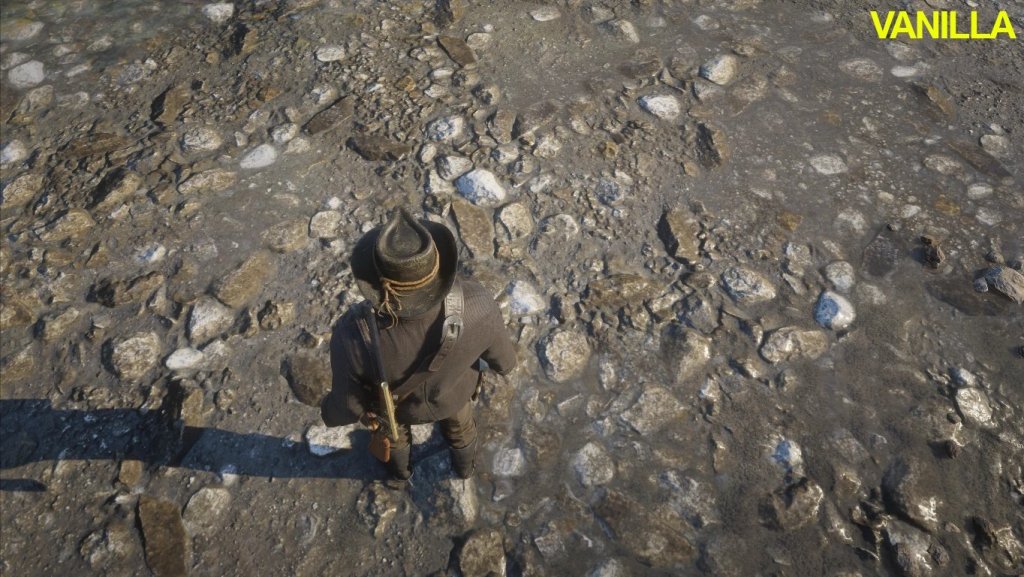
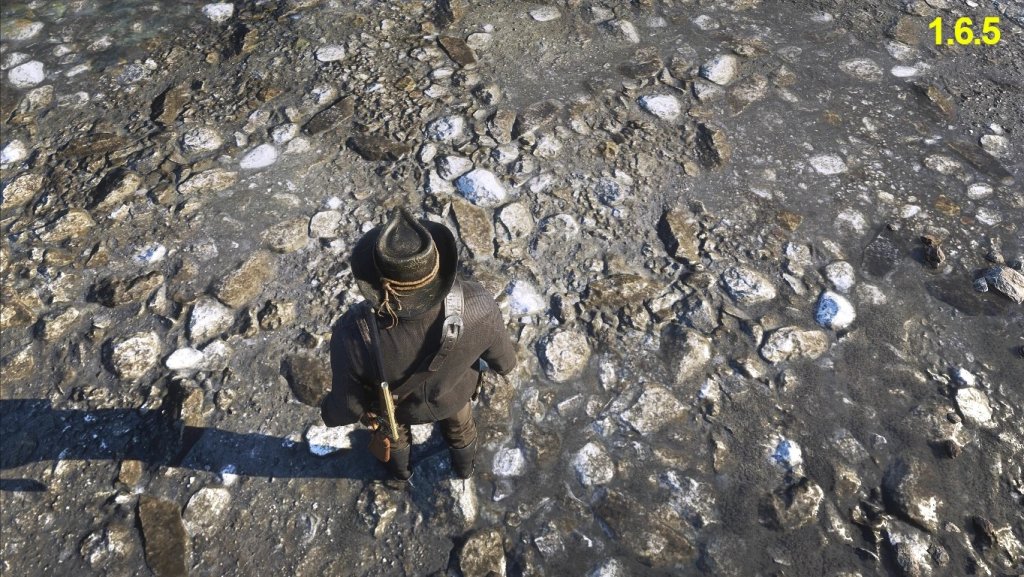
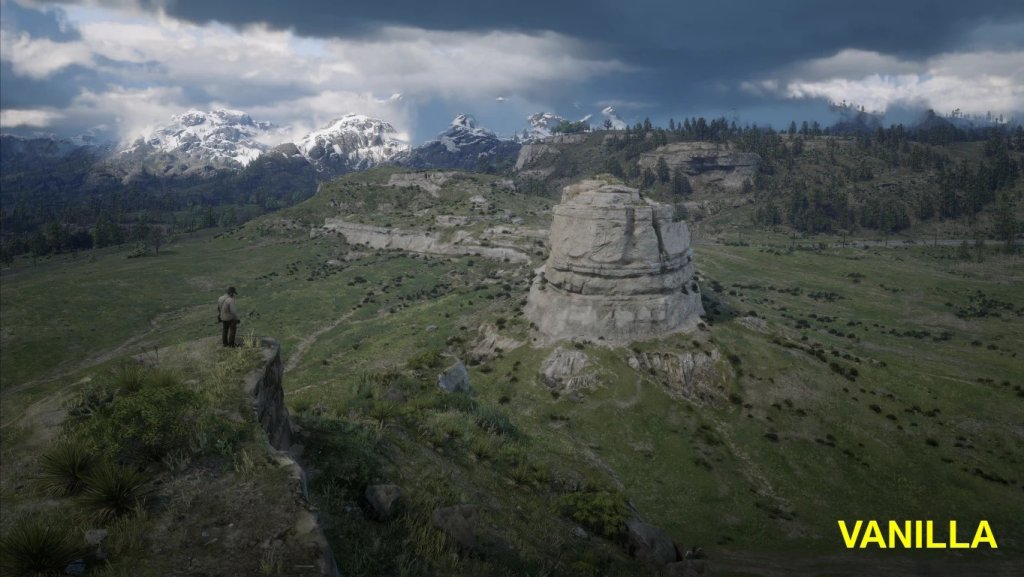
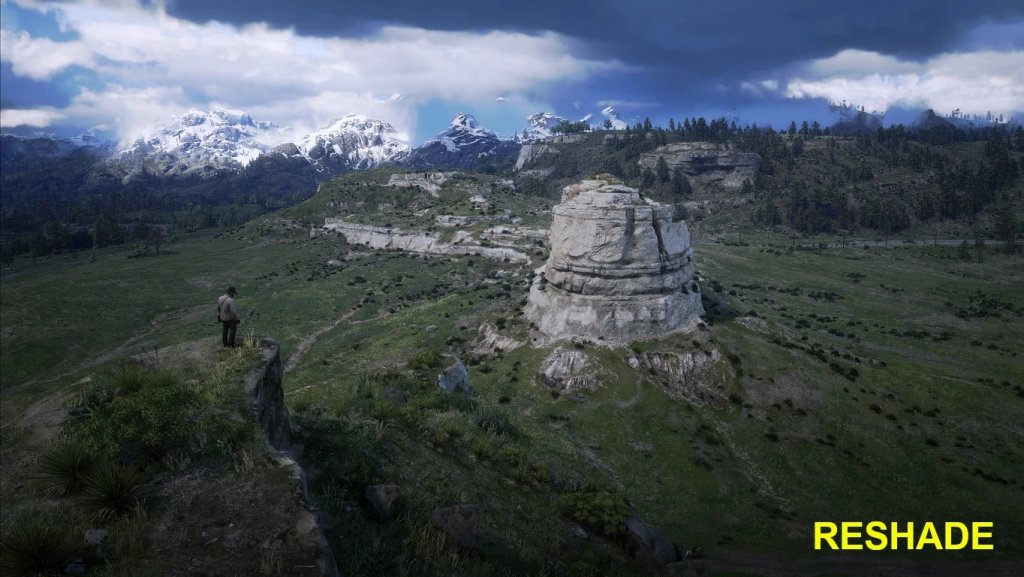
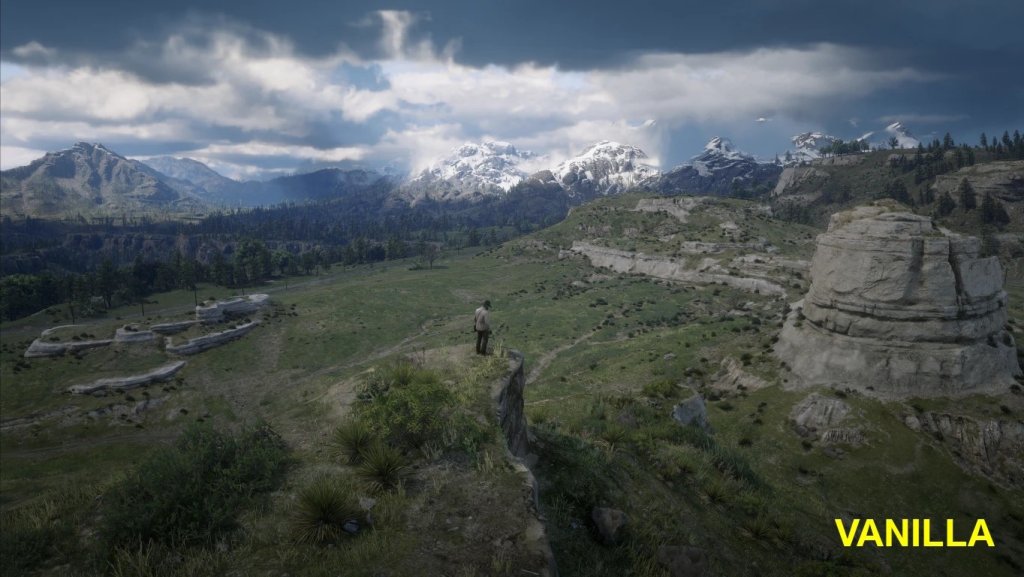
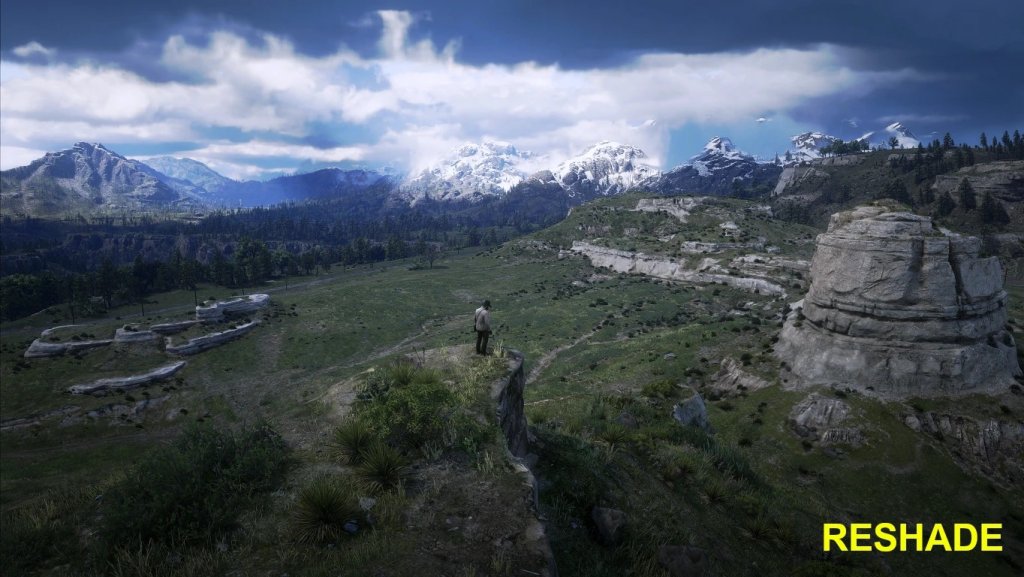
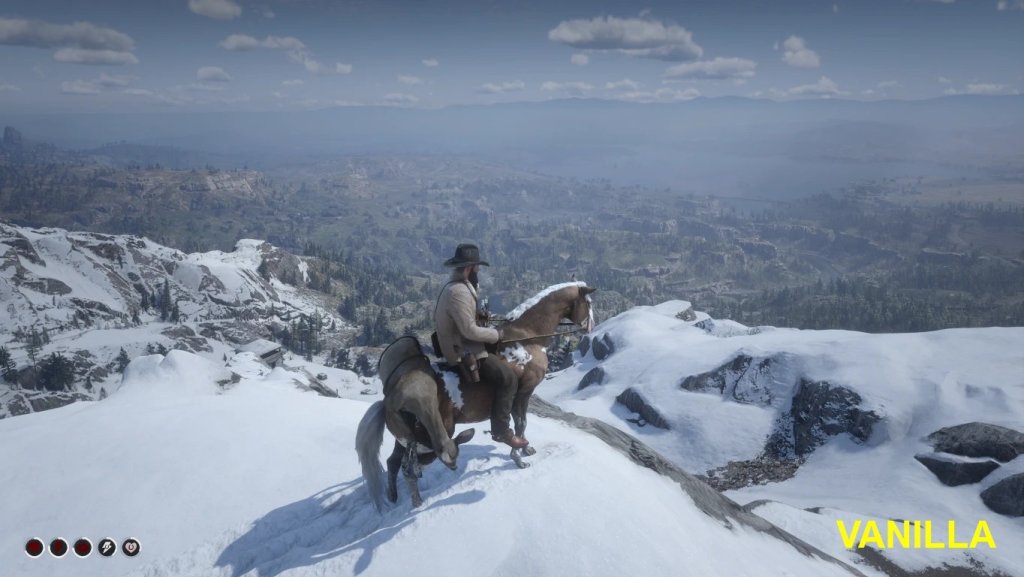
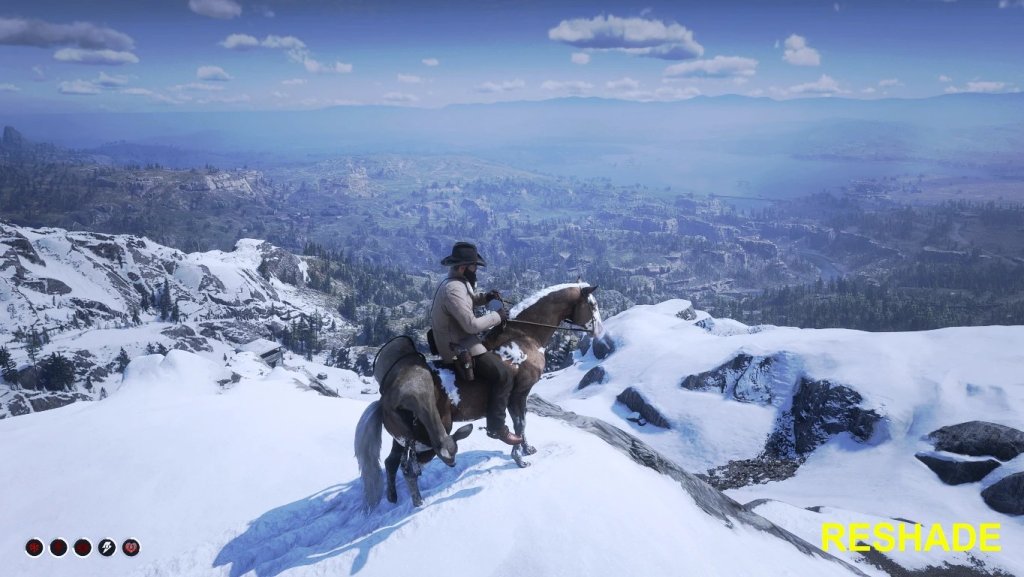
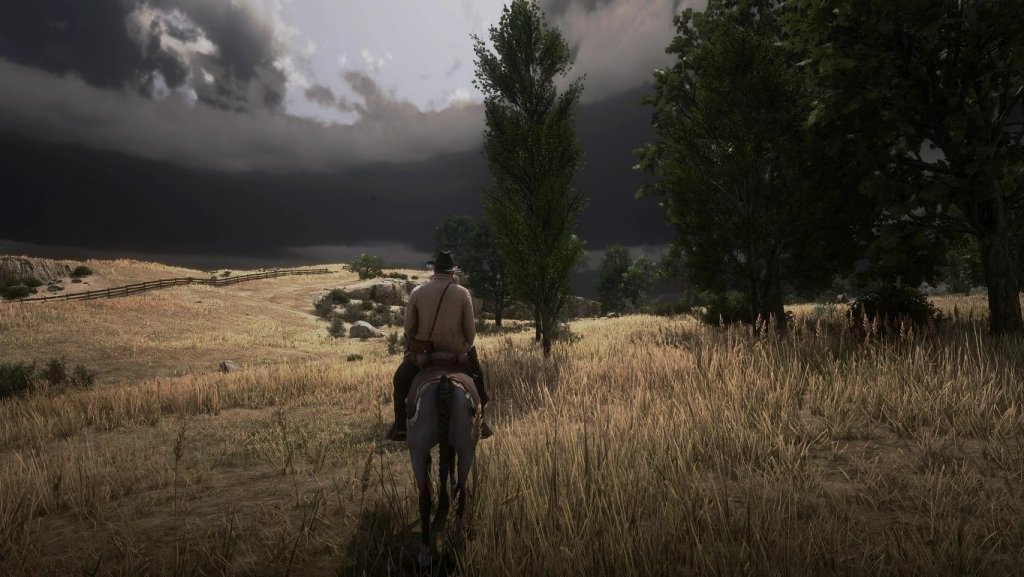
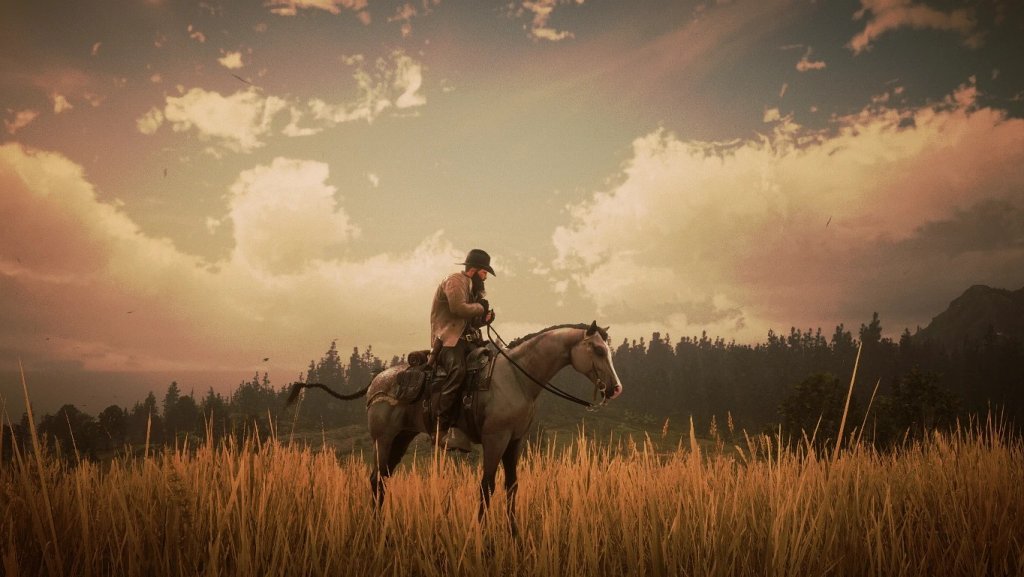
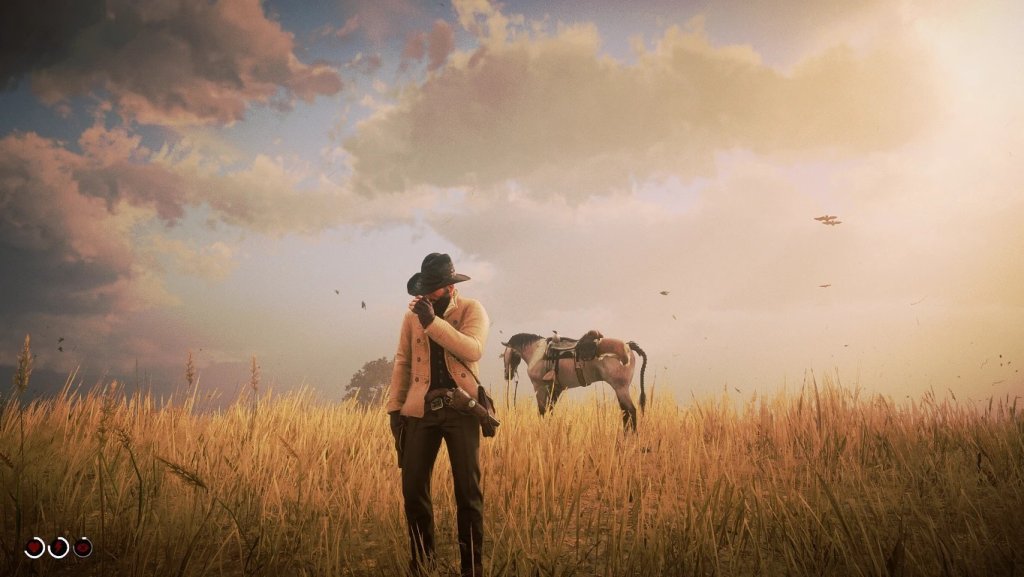
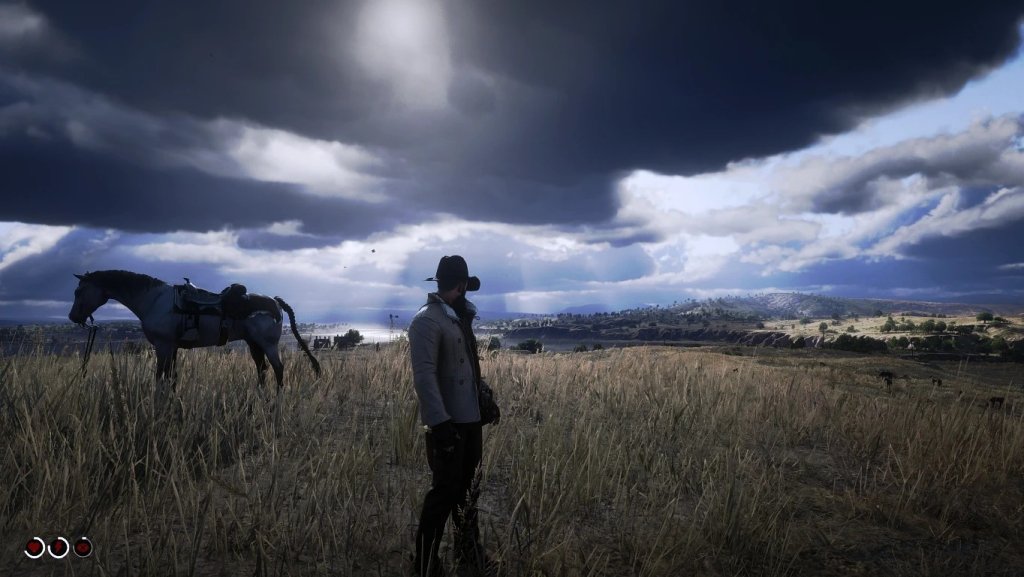
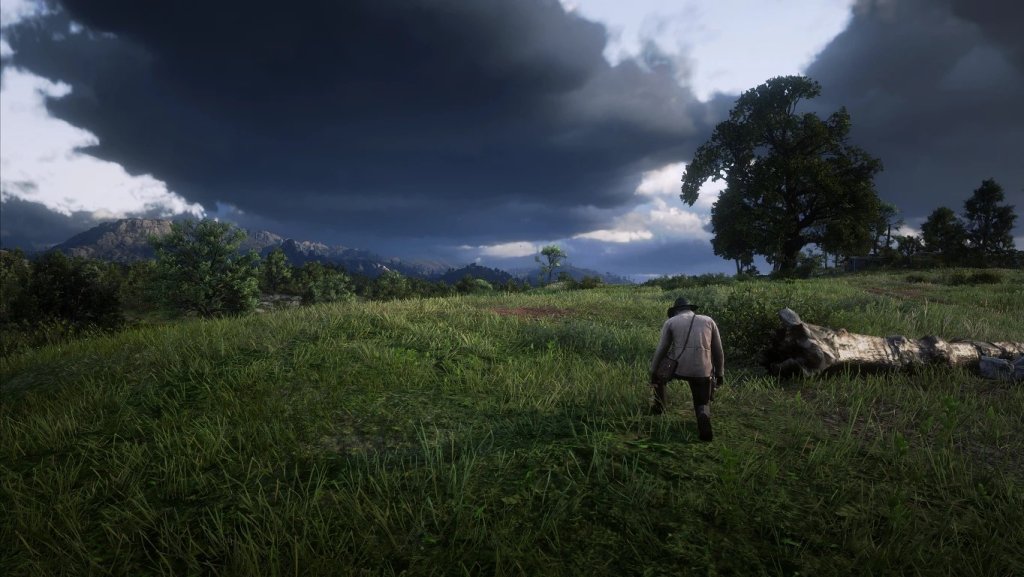
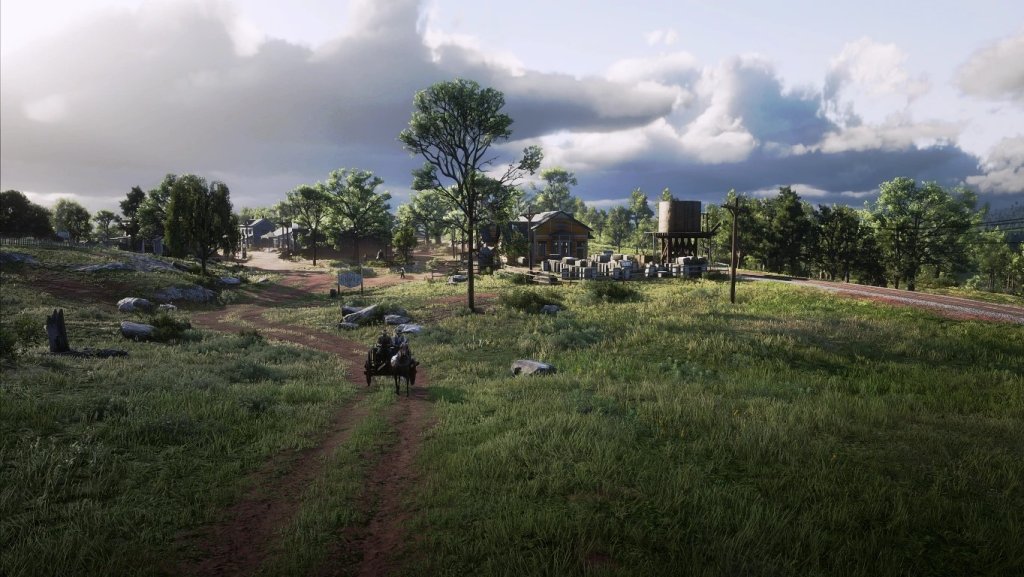
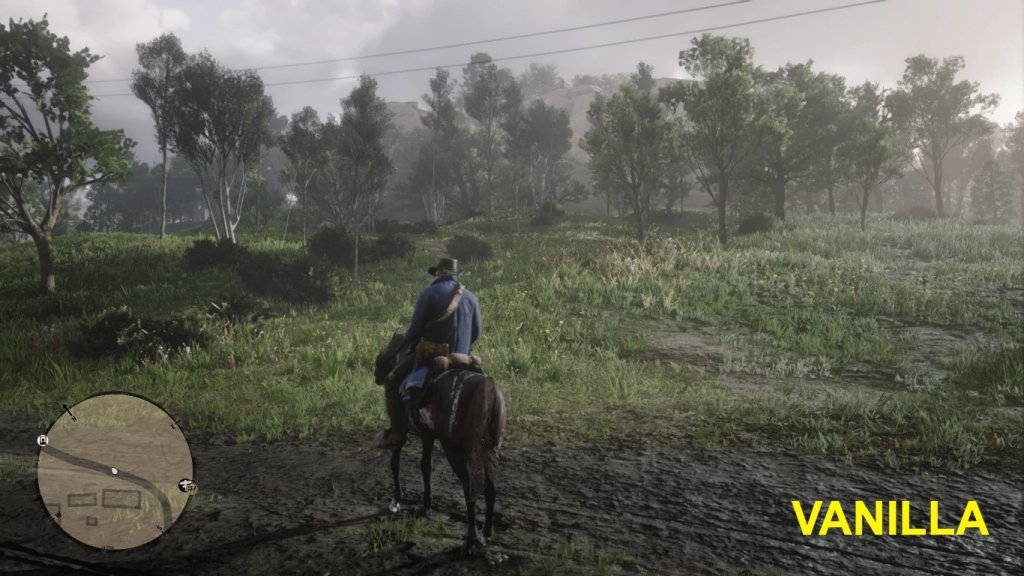
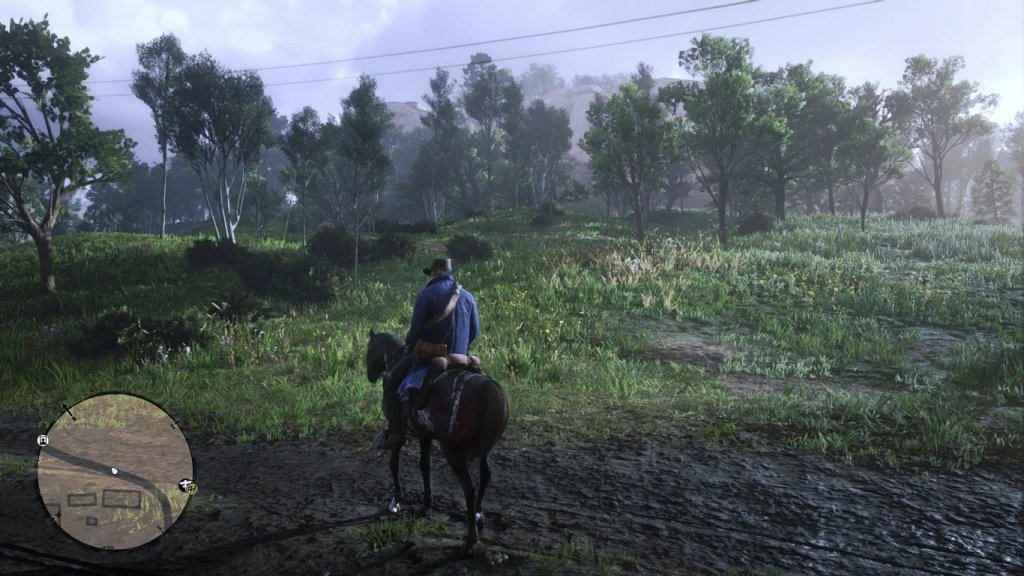
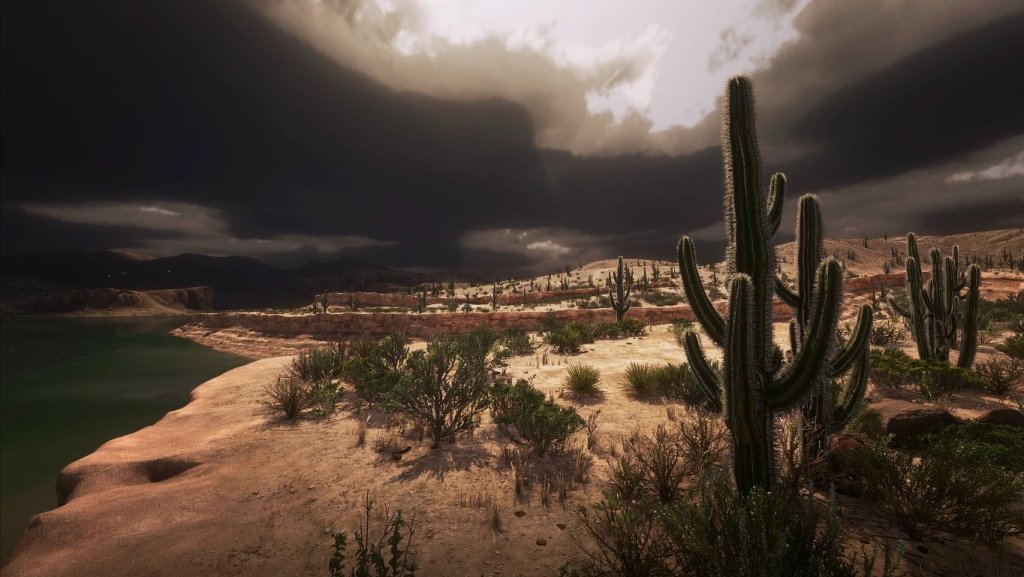
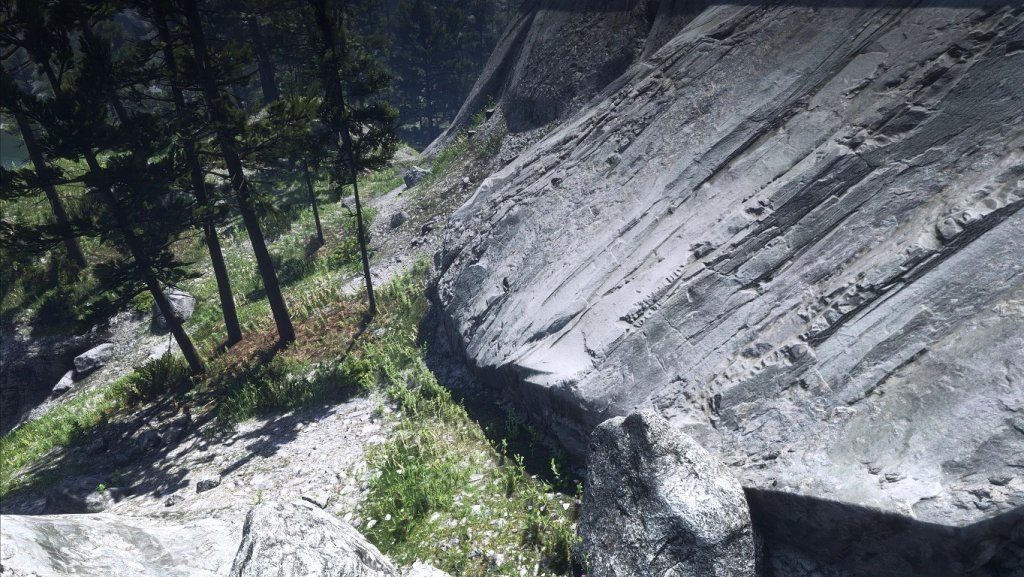
image-513
image-514
image-515
image-516
image-517
image-518
image-519
image-520
image-521
image-522
image-523
image-524
image-525
image-526
image-527
image-528
image-529
image-530
image-531
image-532
image-533
image-534
image-535
image-536
image-537
image-538
image-539
image-540
image-541
image-542
image-543
image-544
image-545
image-546
image-547
image-548
image-549
image-550
image-551
image-552
image-553
image-554
image-555
image-556
image-557
image-558

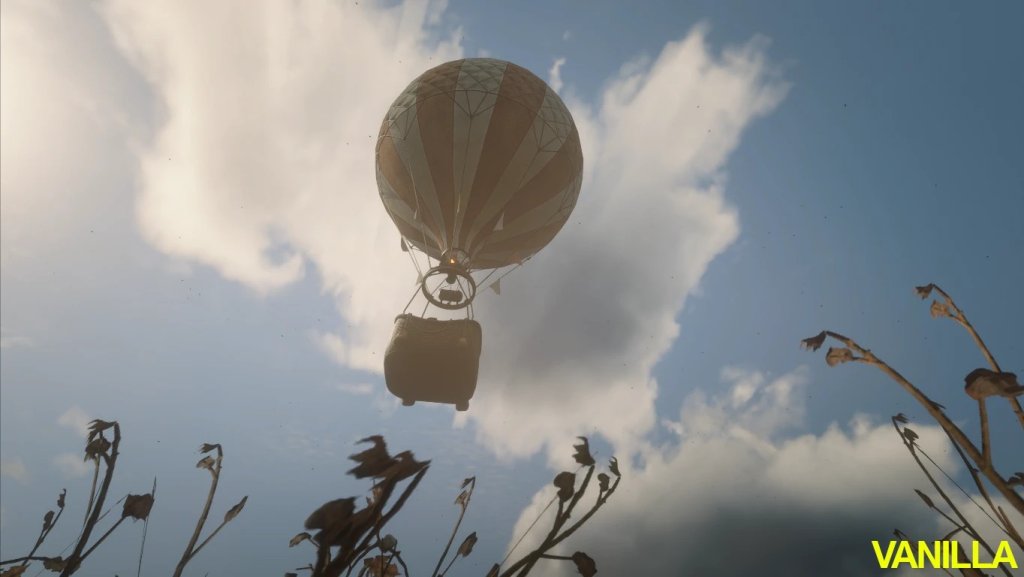
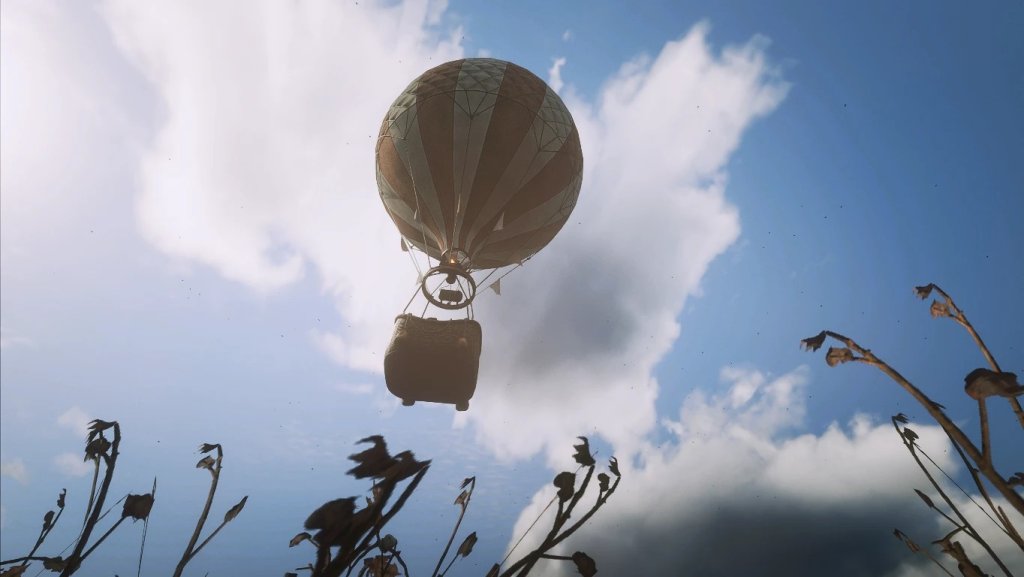
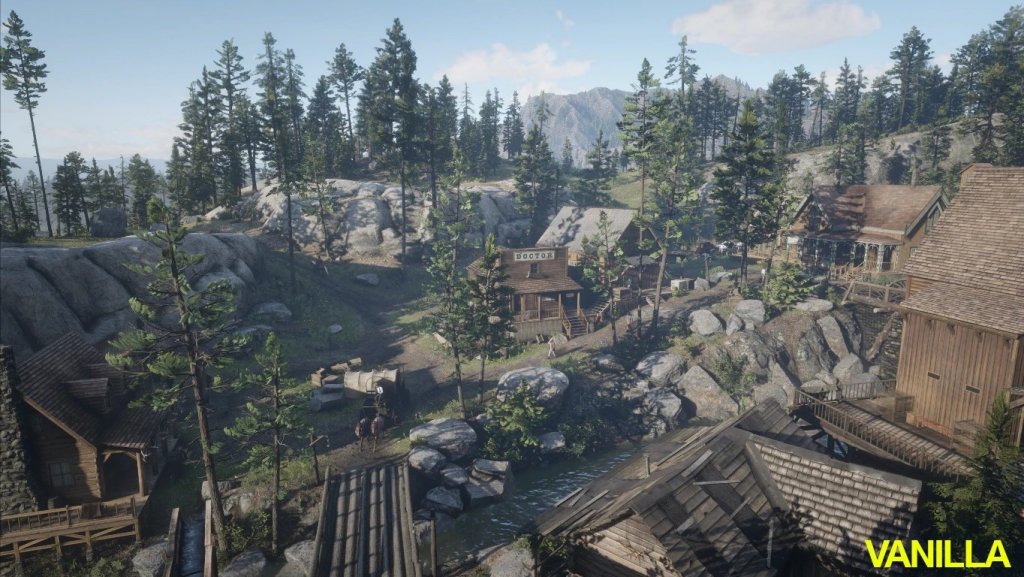
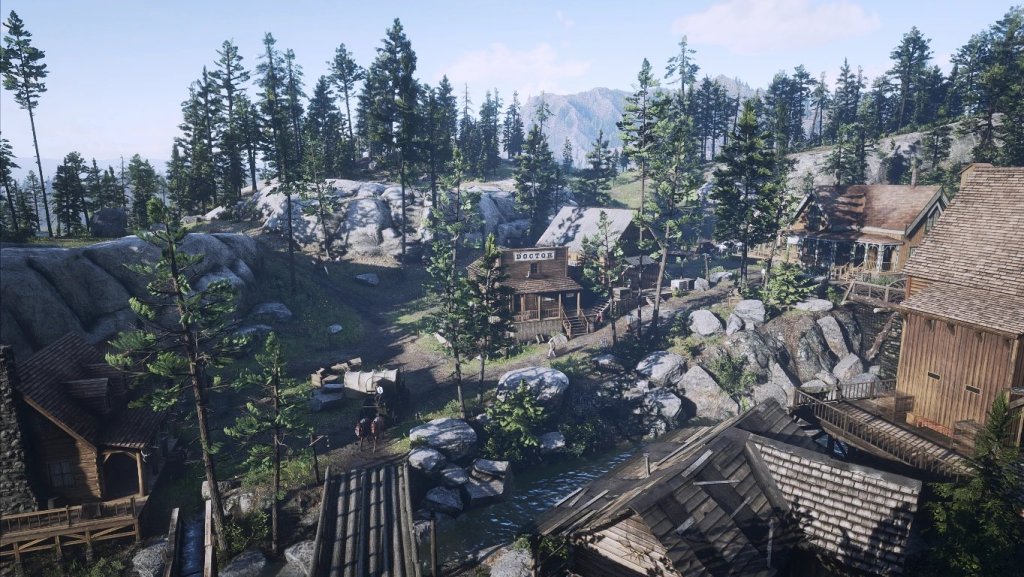
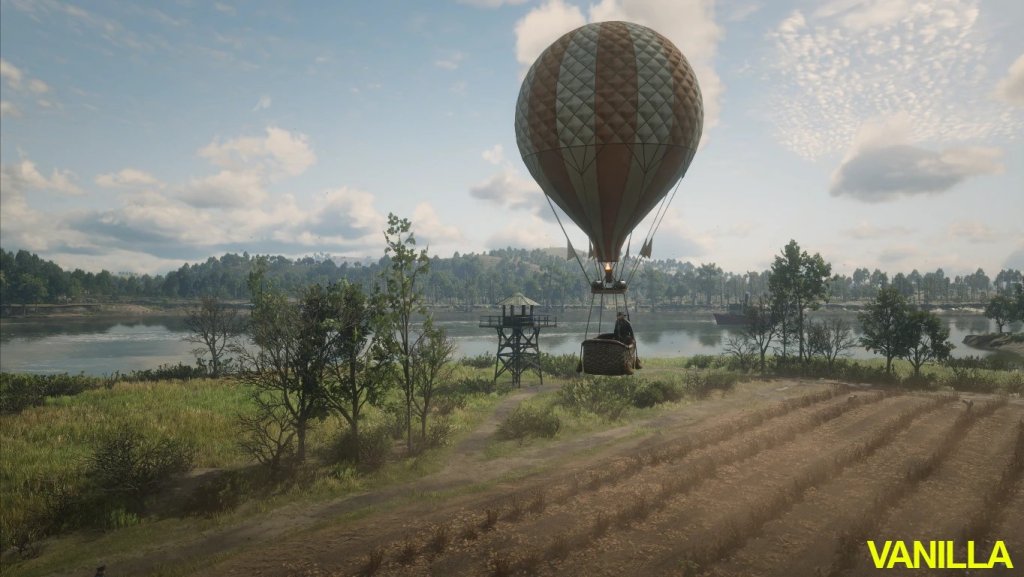
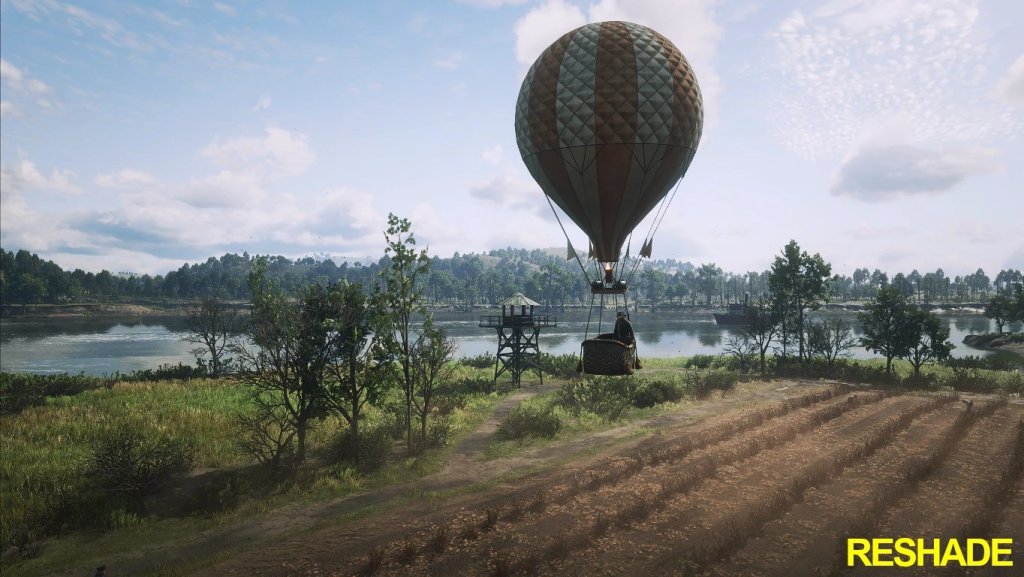
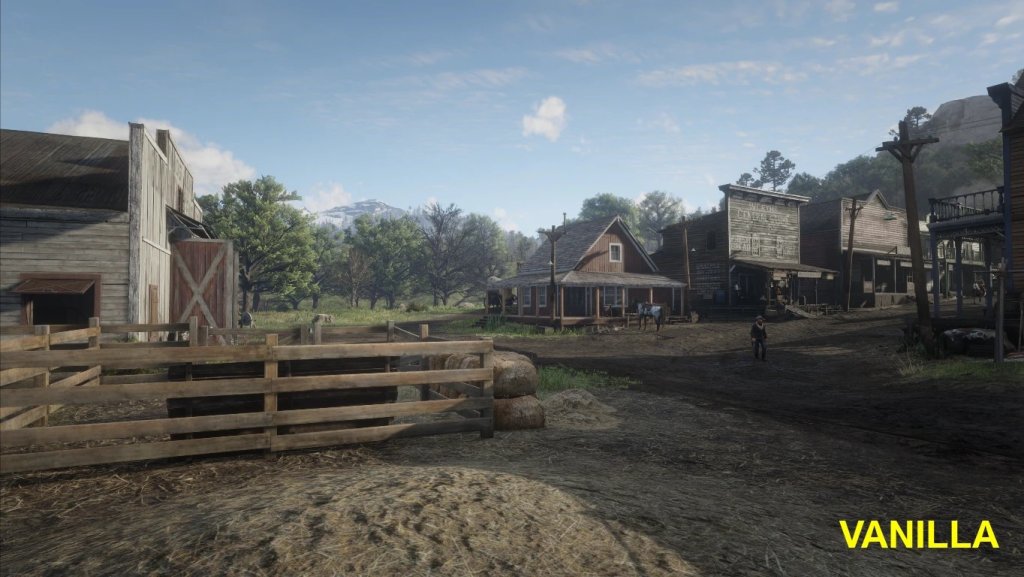
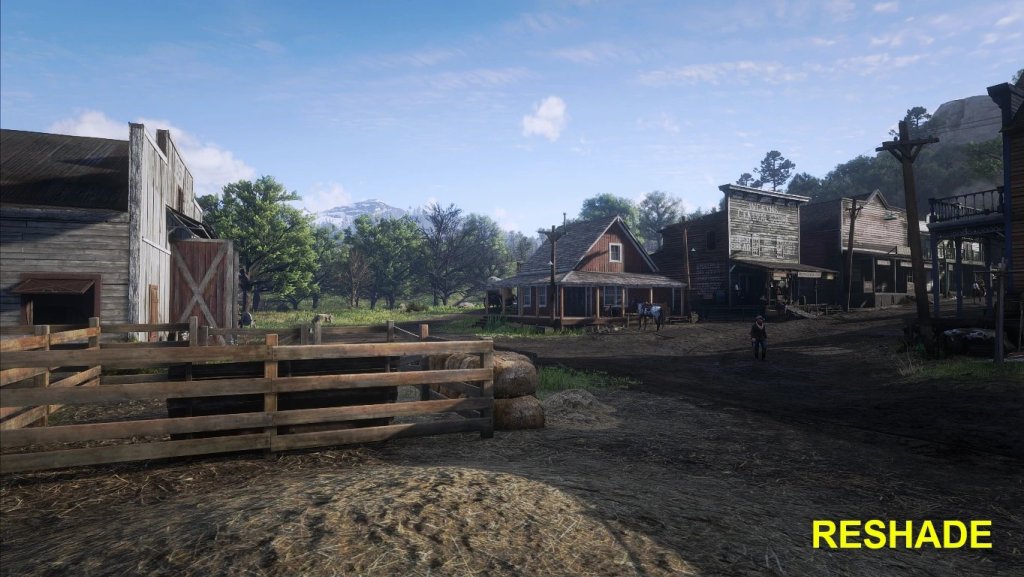
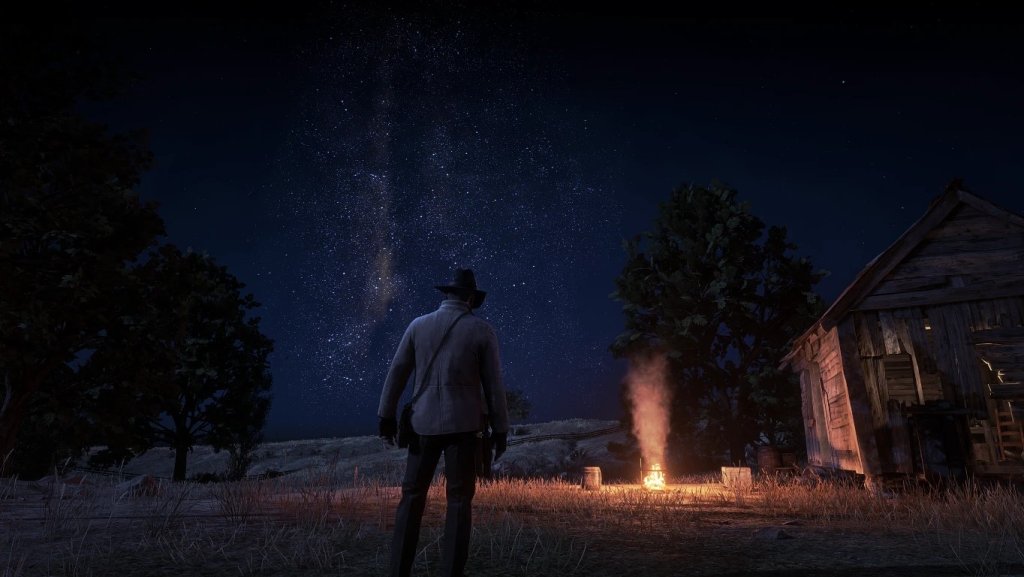
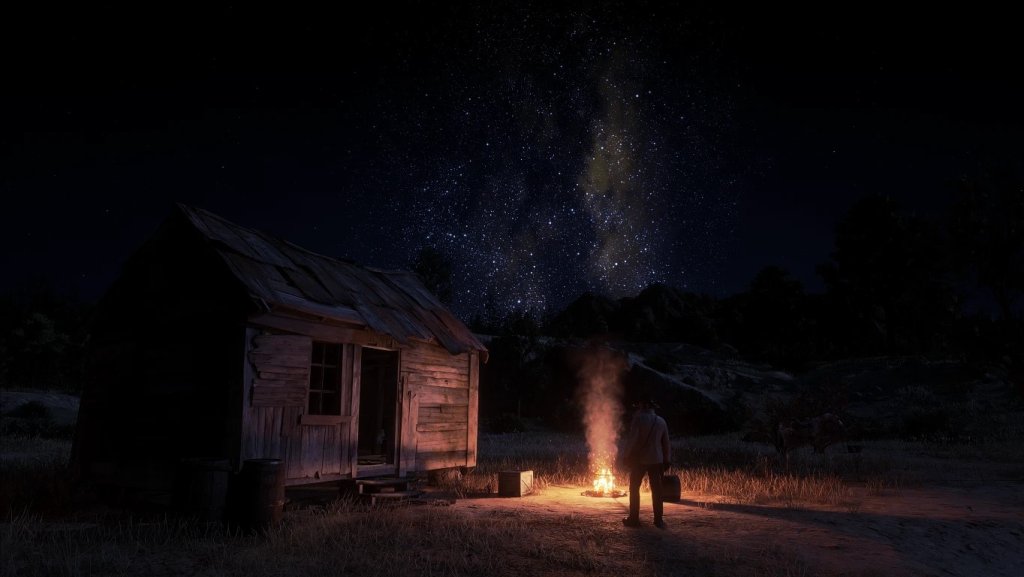
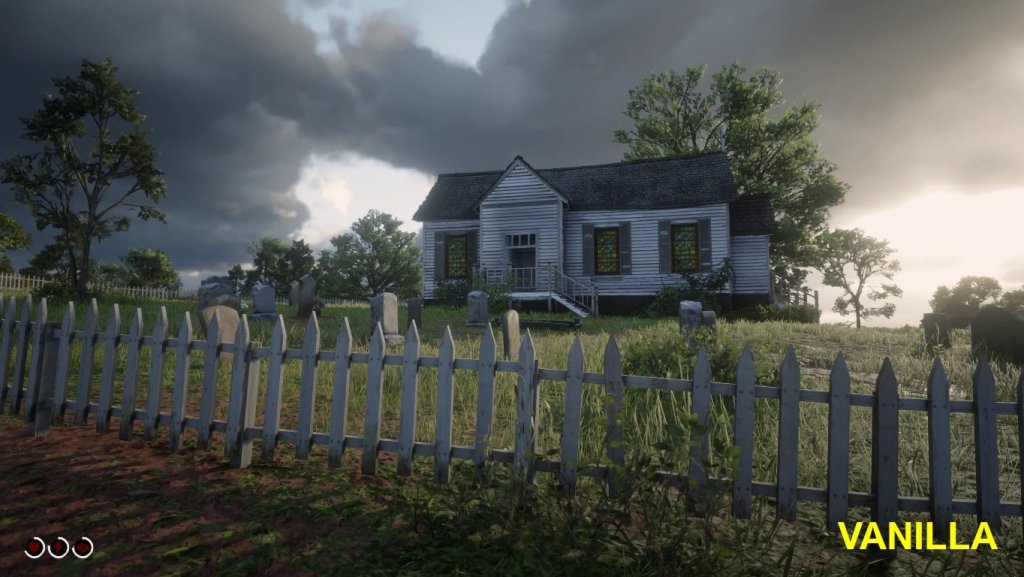
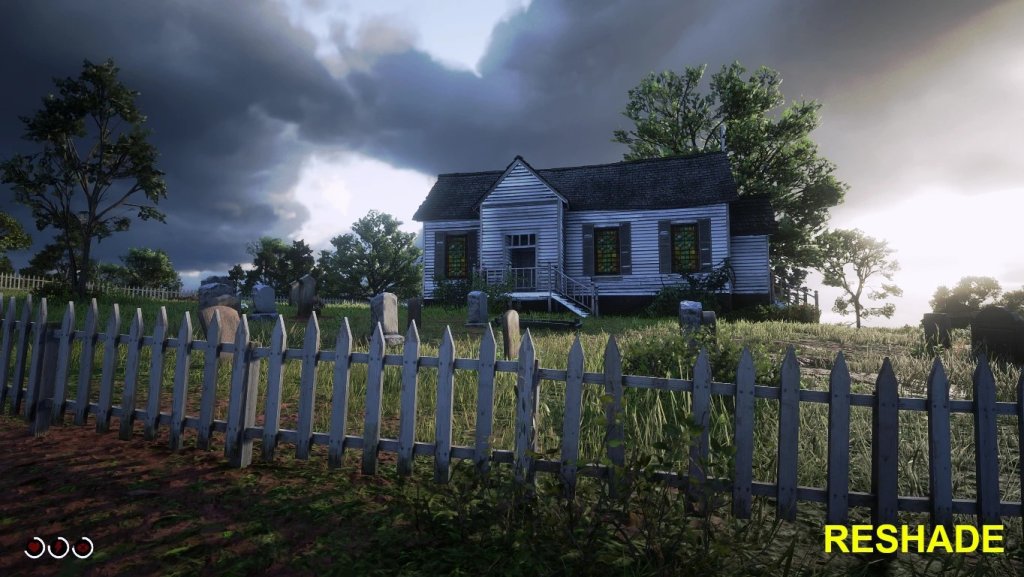
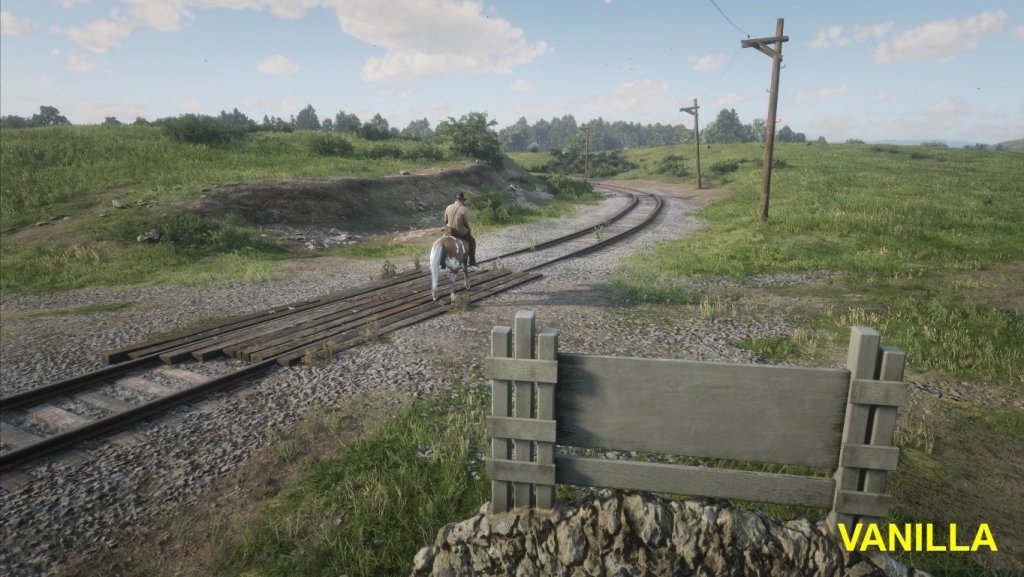
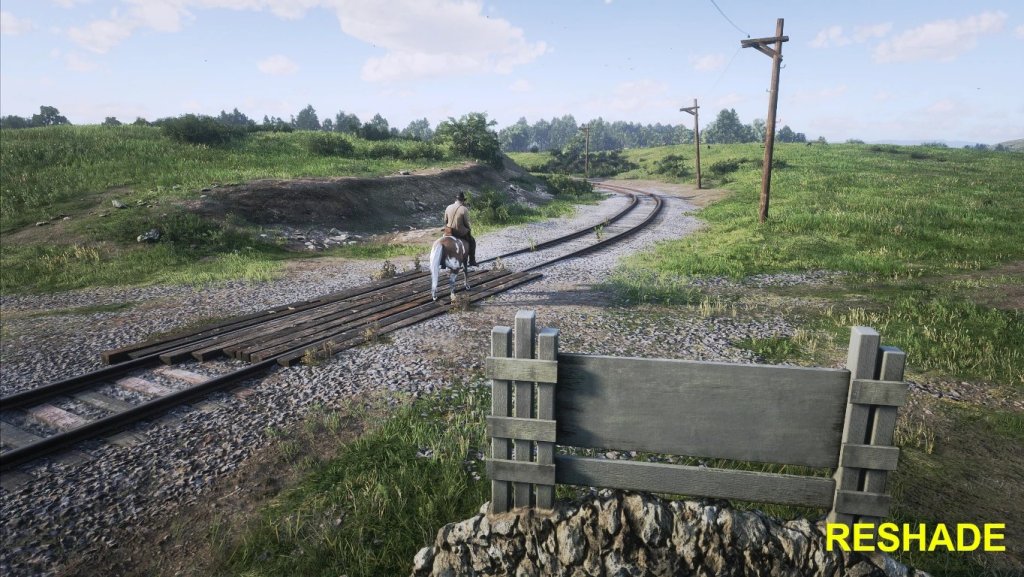
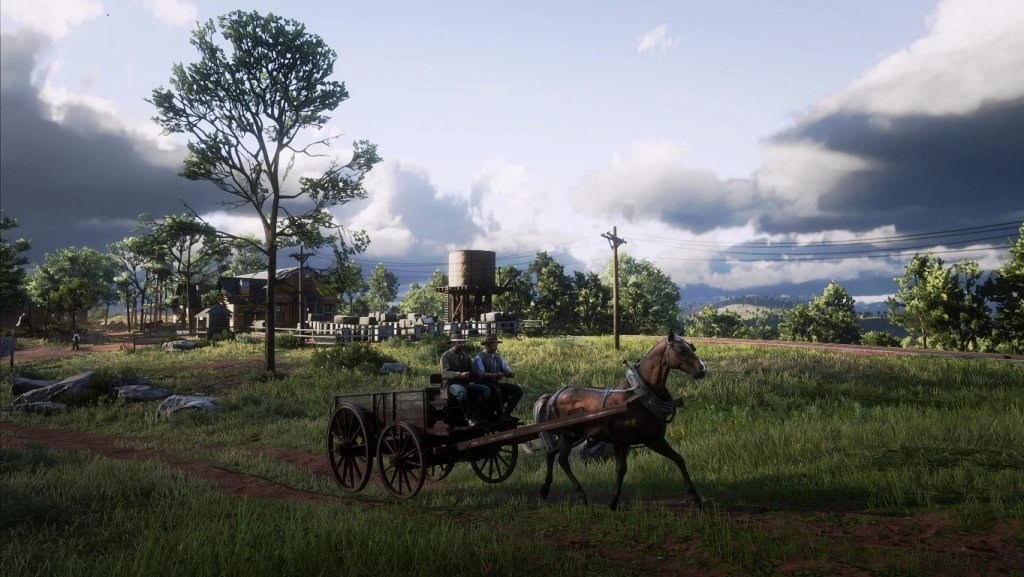
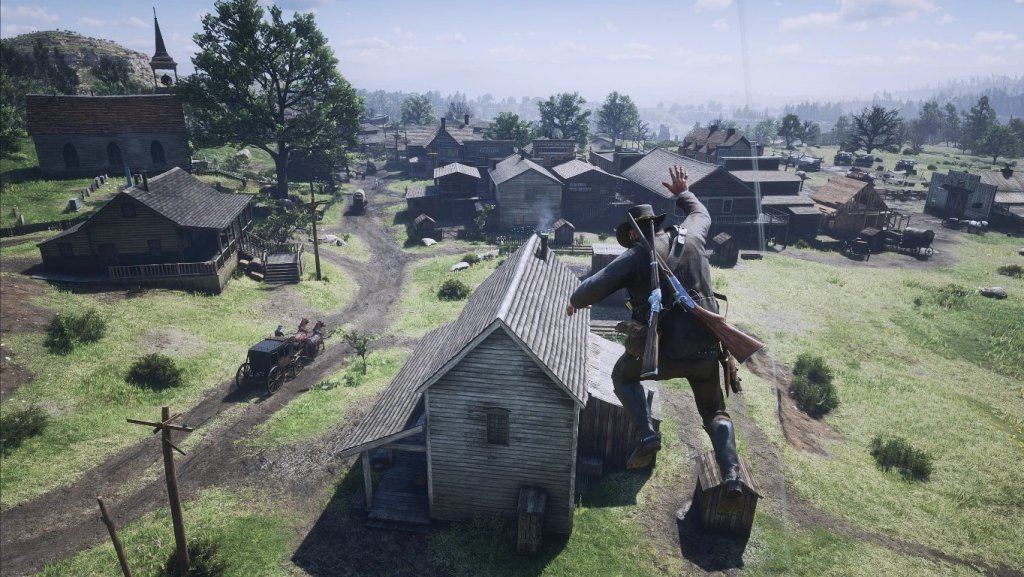
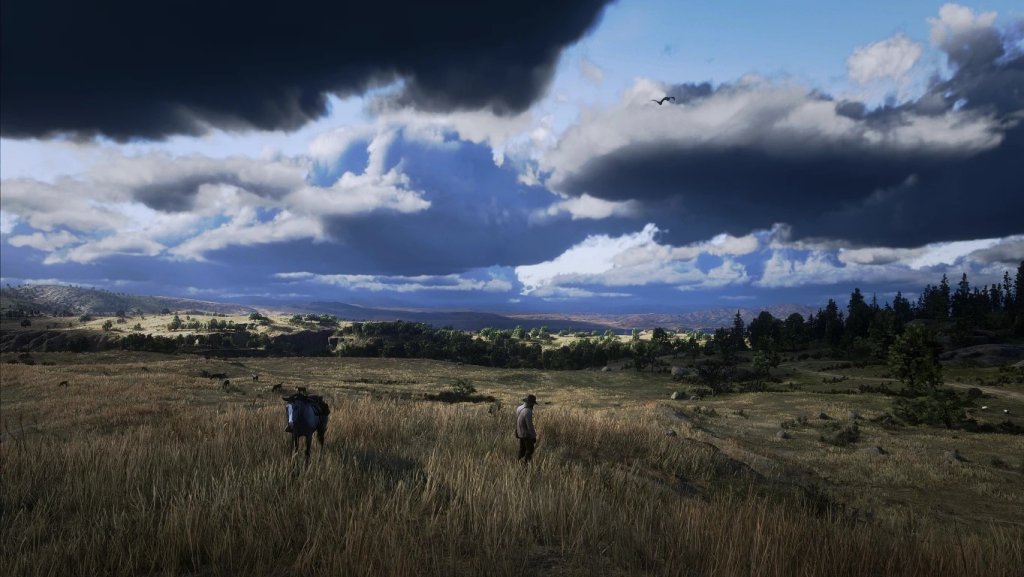
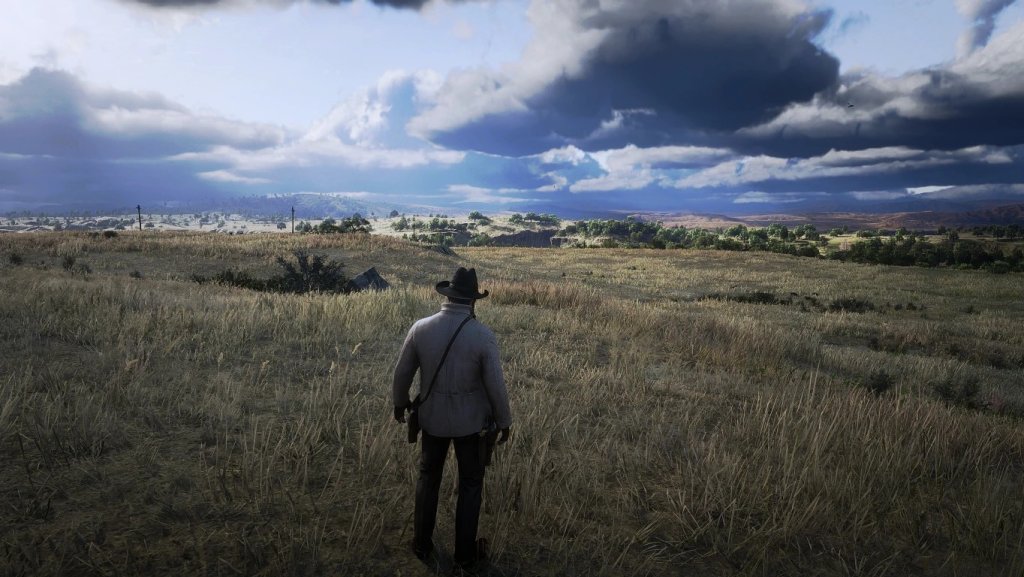
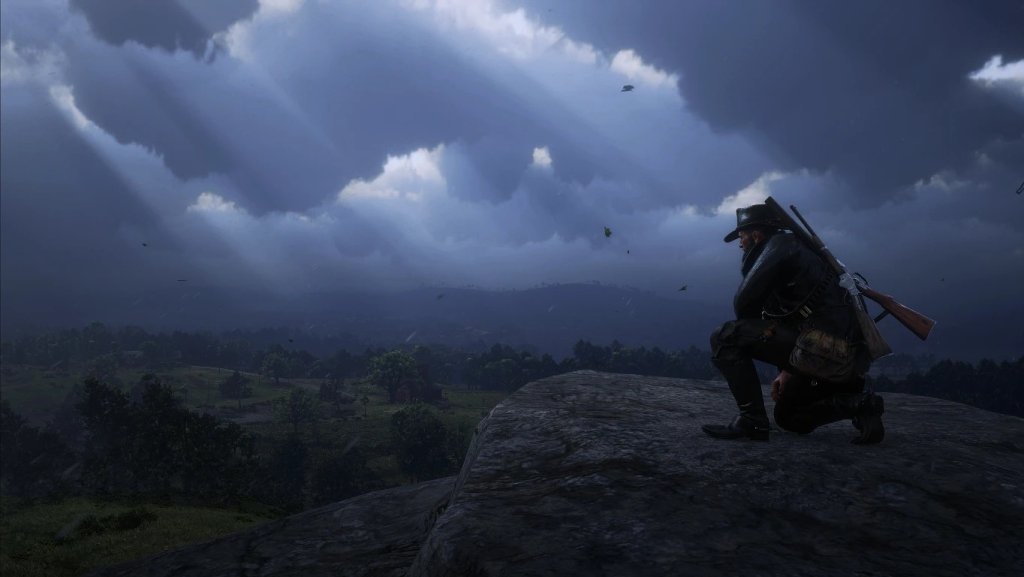
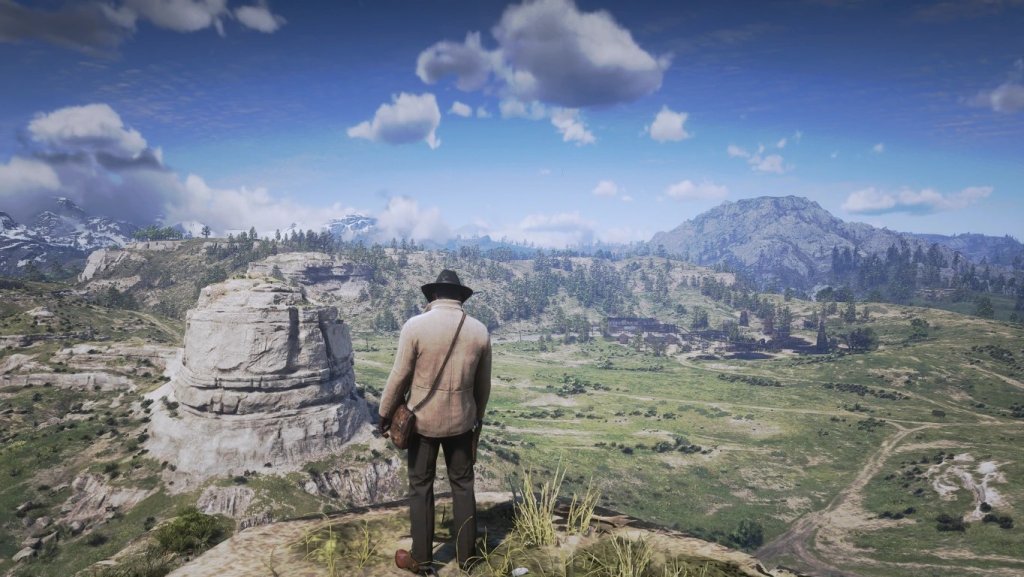
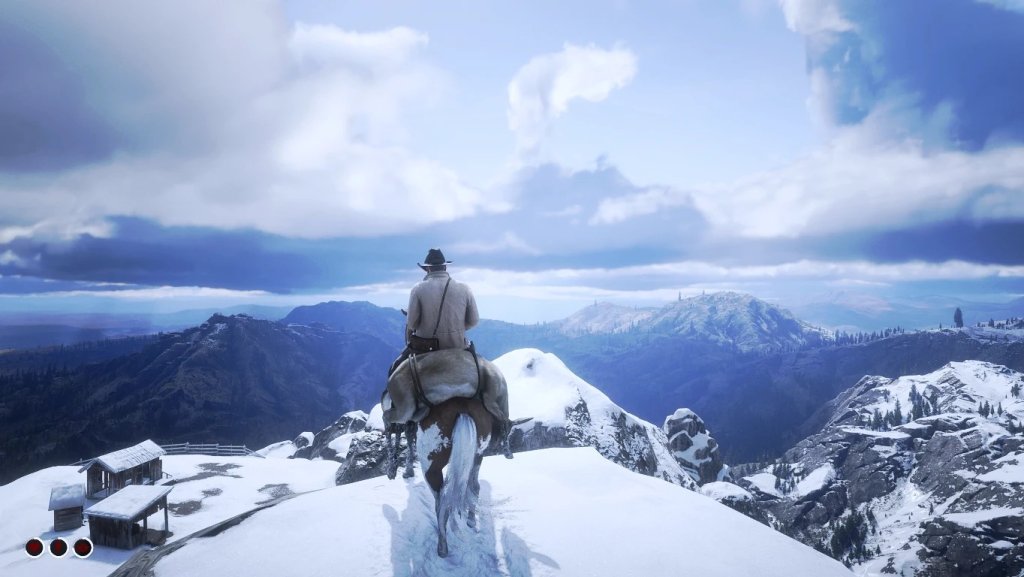
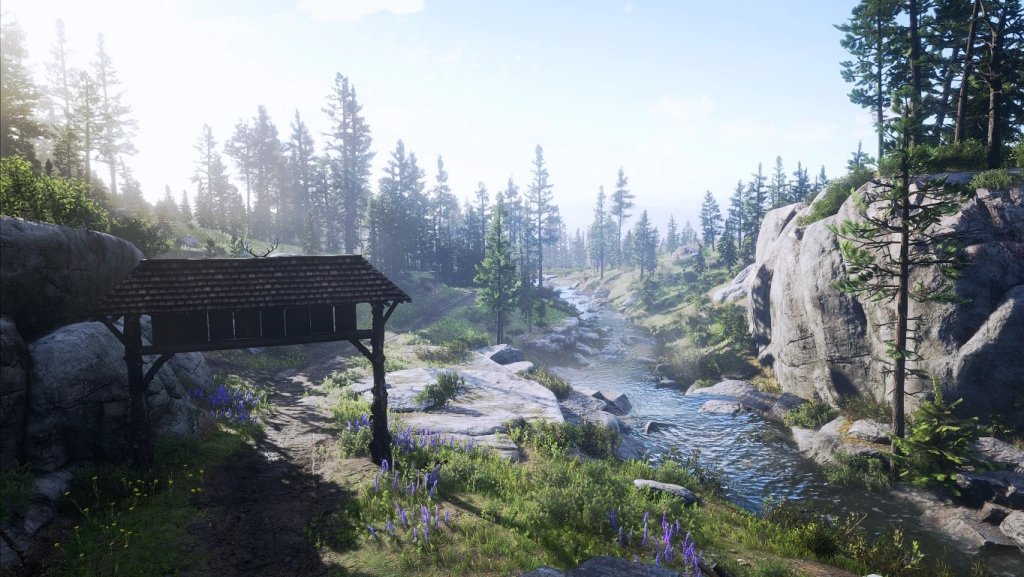
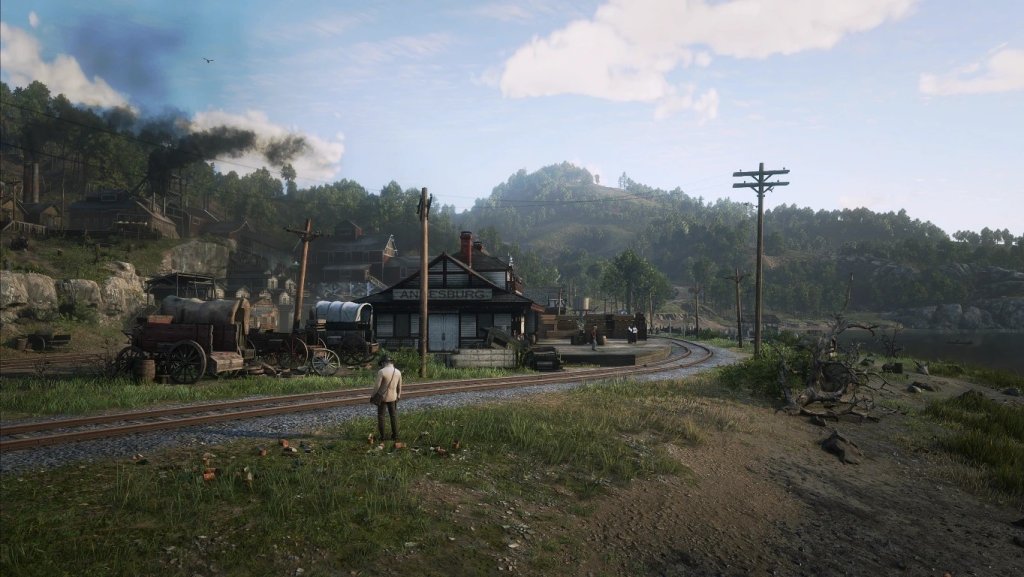
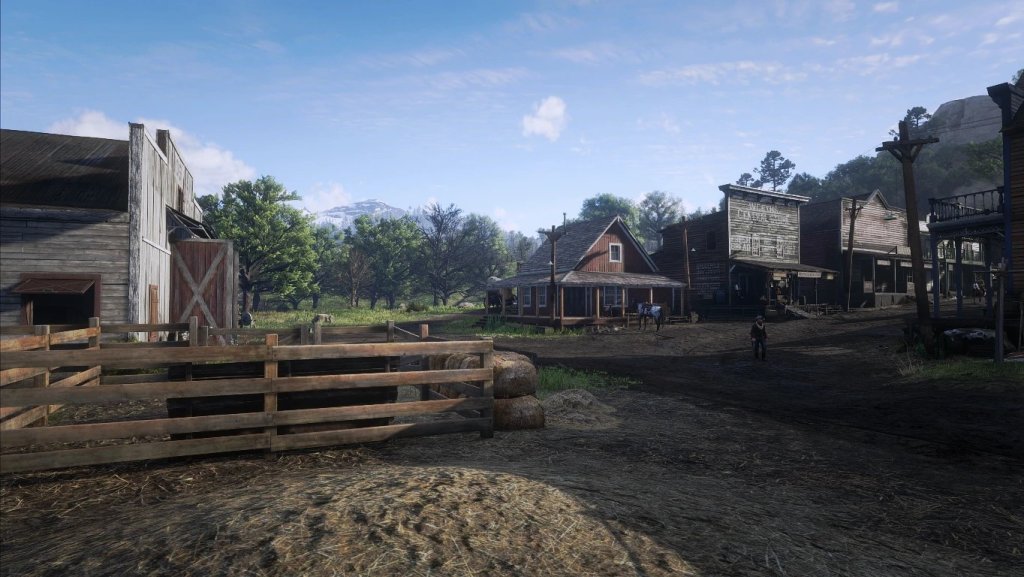
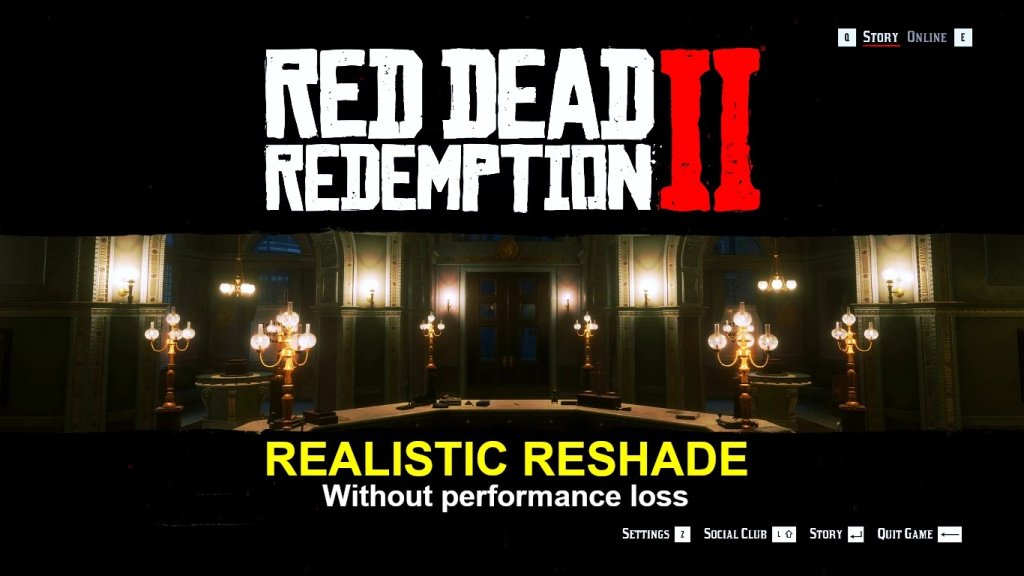
无性能损失的逼真 Reshade 及雾效移除选项

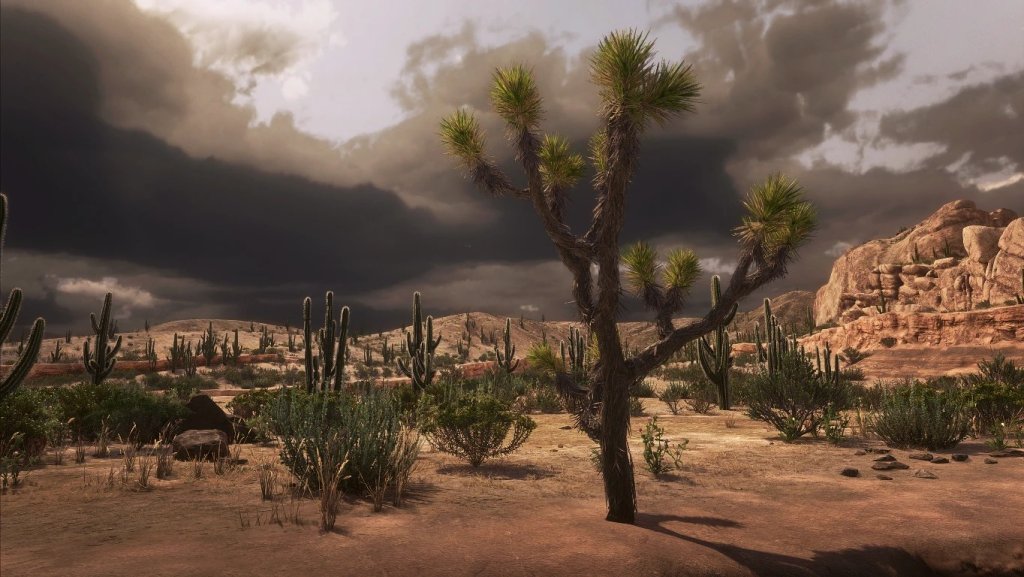
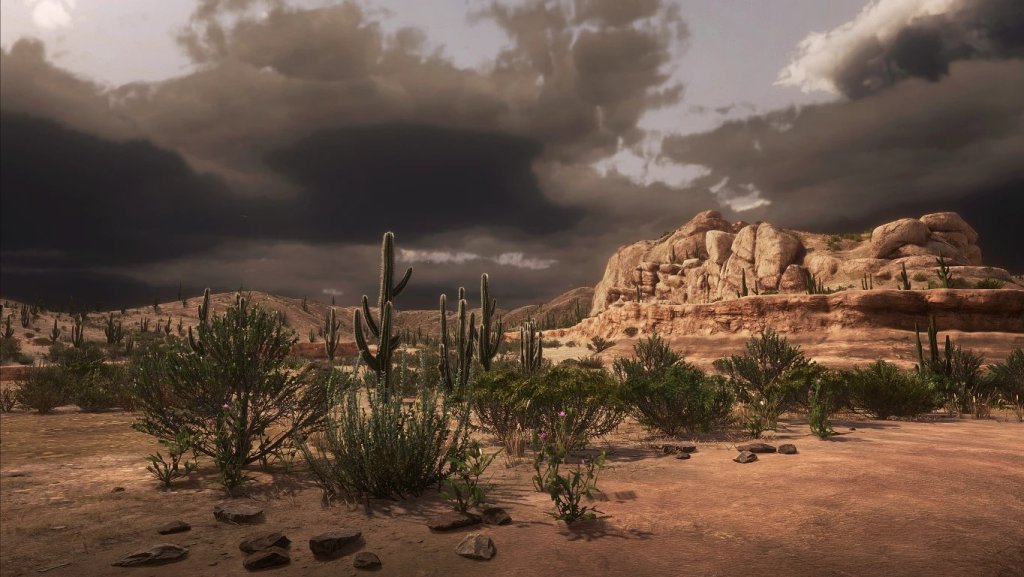
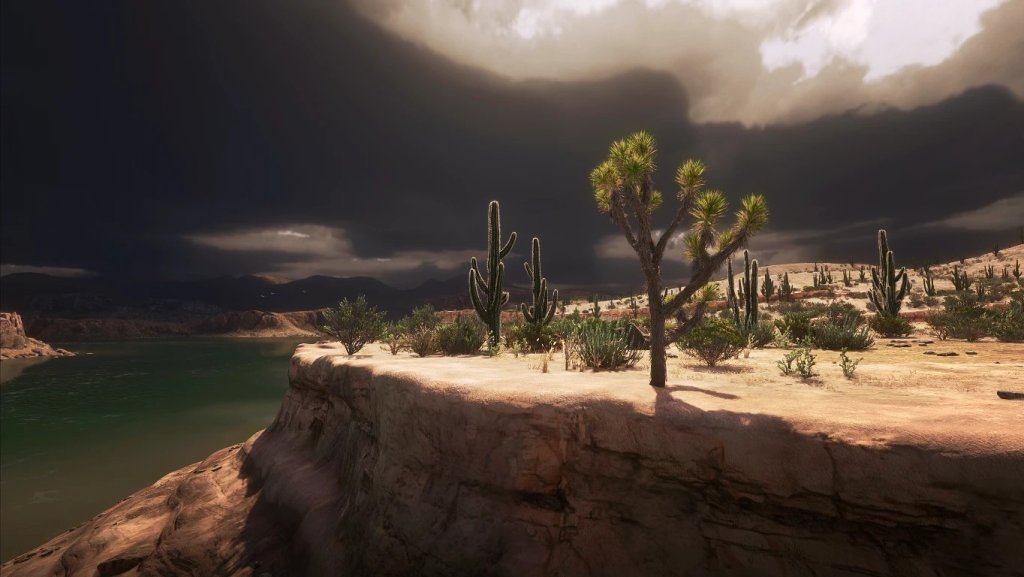
Reshade 特性:

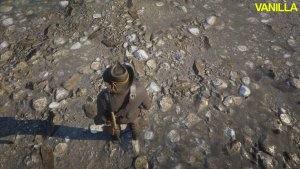
  • 增强所有事物的图形/纹理细节(不再过度锐化)
  • 即使是原版图形中不明显的细节现在也清晰可见。
  • 减少原版暗角效果。
  • 保留原版夜间可见度(黑暗区域不会完全漆黑)
  • 雾效移除选项

更新日志 1.7:

  • 添加“雾效移除”效果作为选项。若想减少雾气可启用。
  • 平衡蓝色色调。
  • 平衡角落暗角的移除效果。

安装指南:

  • 确保你已先安装 Reshade(https://reshade.me/
  • 你可以跳过下载官方效果。
  • 如果你为 Vulkan 安装,请不要忘记在 Reshade 安装程序中启用全局 Vulkan 设置。
  • 安装 Reshade 后,将所有 mod 文件解压到“RDR2.exe”所在目录。
  • 在游戏中按“Page Up”键调出 Reshade 覆盖层设置。
  • 按“Scroll Lock”键切换 Reshade 开关。

如果你觉得这个预设有用,请不要忘记点赞。我是一名 3D 艺术家。如果你想支持我,可以在 Instagram 上关注我:https://instagram.com/inanearts,谢谢。

版本更新内容

最新 1.7 2021-01-12 00:27
Version 1.7 Added "fog removal" effect as an option. enable it if you want to reduce fog. Balanced blue tint. Balanced corner vignette removal. Version 1.6.6 Fixed old installation issues. Added optional CAS by AMD as a Lumasharpen alternative. Made DPX optional. Performance hit should be even lower now. Version 1.6.5 Removed Vigenette (Removed darkened edges/corners around the screen) Added Vibrance shader so that users can increase or decrease saturaton to their taste Version 1.6.4 Removed unwanted effects around bright light sources. It was most noticeable while looking at the sky. Ground, Object texture details should pop up more now. Also Reduced tiny bit of saturation. Version 1.6 Updated Installer. Removed unnecessary textures, Reduced download size. Some changes were made to keep the dark values close to vanilla.
声明:本站所有文章,如无特殊说明或标注,均为本站原创发布。任何个人或组织,在未征得本站同意时,禁止复制、盗用、采集、发布本站内容到任何网站、书籍等各类媒体平台。如若本站内容侵犯了原著者的合法权益,可联系我们进行处理。